EyeModule
the other cartridge based digital camera
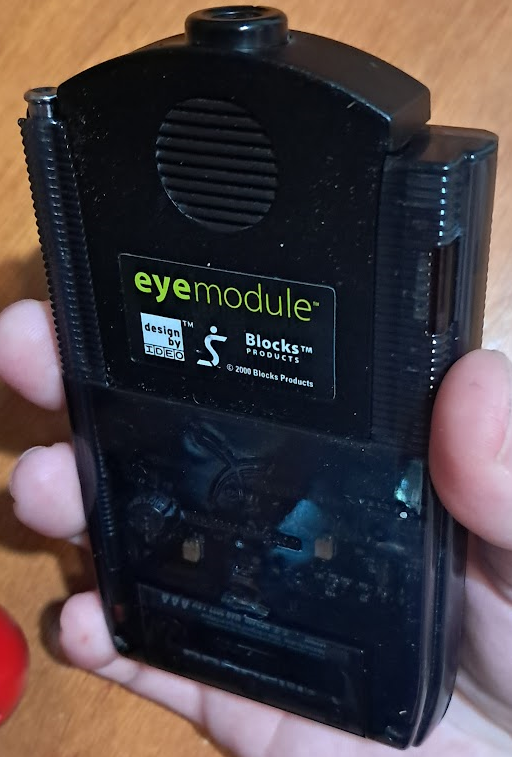
Among early Palm OS devices, the Handspring Visor's expandability was unique. It’s fundamentally different from plugging a PCMCIA device into a Newton. There's almost no setup, as Handspring’s design philosophy was rooted in giving PDA users a quick, simple experience. You simply plug your expansion module in and you're instantly whisked into any supporting software it may have.
Each Handspring Visor had a cartridge port that interfaced directly with the CPU. As such, anyone could make anything they could think of. You could turn your Visor into a GPS, a smartphone, or a … makeshift vibrator? Yeah, even a vibrator. Naturally, the port was used for memory backup and expansion. Compact Flash and SD adapters were common, as well as non expandable flash based backup devices. There were even a few game cartridges released. Direct CPU access gave prospective developers more power than was reasonably expected in that era. In fact, no modern consumer device that I’m aware of gives hardware developers such freedom.
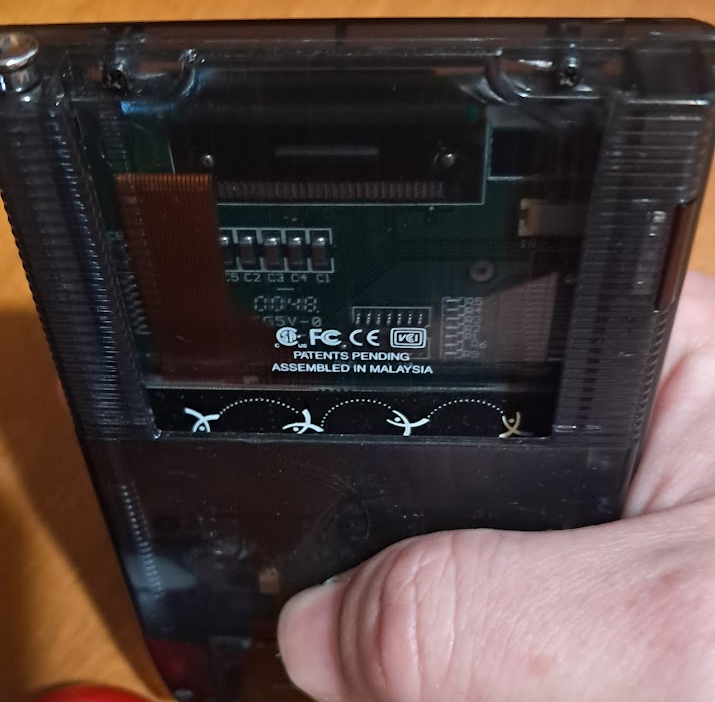
I wonder where this idea came from?
That brings us to the Eyemodule (stylized "eyemodule"). Remember the Game Boy Camera? Someone did that with the Handspring Visor. Plug this sucker and and you're taking photos within seconds. It’s rather bare, but the photos it takes are decent enough. The problem I have with it is its orientation. The eyemodule's lens is parallel to the top of your PDA. You’ll need to take photos with your device held at a 90 degree angle. It’s difficult to see the viewfinder at this angle, even in direct sunlight.
Surprisingly, eyemodule can take both monochrome AND color photos. You can even choose what resolution your B&W photos are taken at. If you’re using an 8MB Visor like you probably should, you can store hundreds of photos on it. Assuming you’re taking them at the lowest quality (160 x 120). Higher resolution B&W (320 x 240) is kind of useless today. They’re beyond what the Visor is capable of displaying so you won’t be able to tell the difference until you upload them to a PC. Color photos (also 320 x 240) don’t make sense for long term storage on a monochrome device and they eat up a ton of storage space. The quality upgrade isn't worth the storage limitations.
I can confirm that eyemodule is compatible with Handspring Visor Deluxe, Handspring Visor Neo, and Handspring Visor Platinum. I don’t have a Prism, and I have no idea if the viewfinder shows up in color. Even so, monochrome Visors can take color photos with this thing. I didn't expect this to be the case and am pleased that it is.
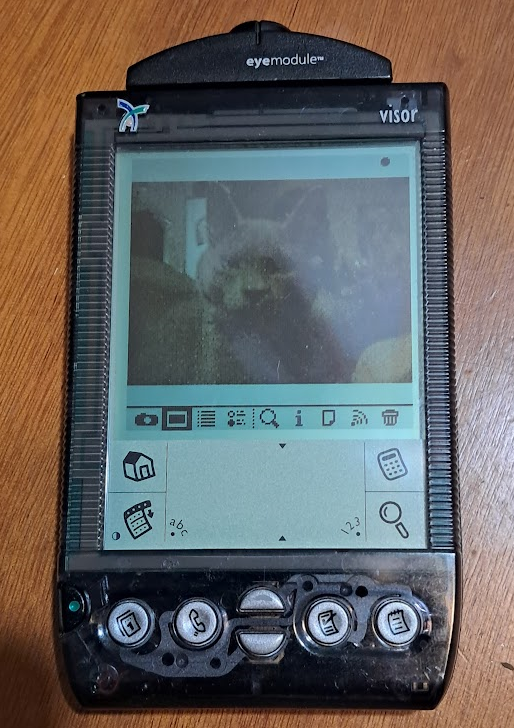
Photo's of photos never look good
The nicest thing about the eyemodule is the software it installs on your Visor. It’s extremely simple to use and remains on your PDA after the module is removed from the expansion port. You can view, delete, and send photos via IR. You can also attach notes to each photo which I like. It’s great that the software remains on the visor because I’d recommend against keeping the eyemodule plugged in when not in use. It uses quite a bit of battery and while its profile is pretty low, it interferes with every screen protection device I have. That includes the plastic plate most Visors come with. You can still view photos with the device unplugged.
Getting my Photos
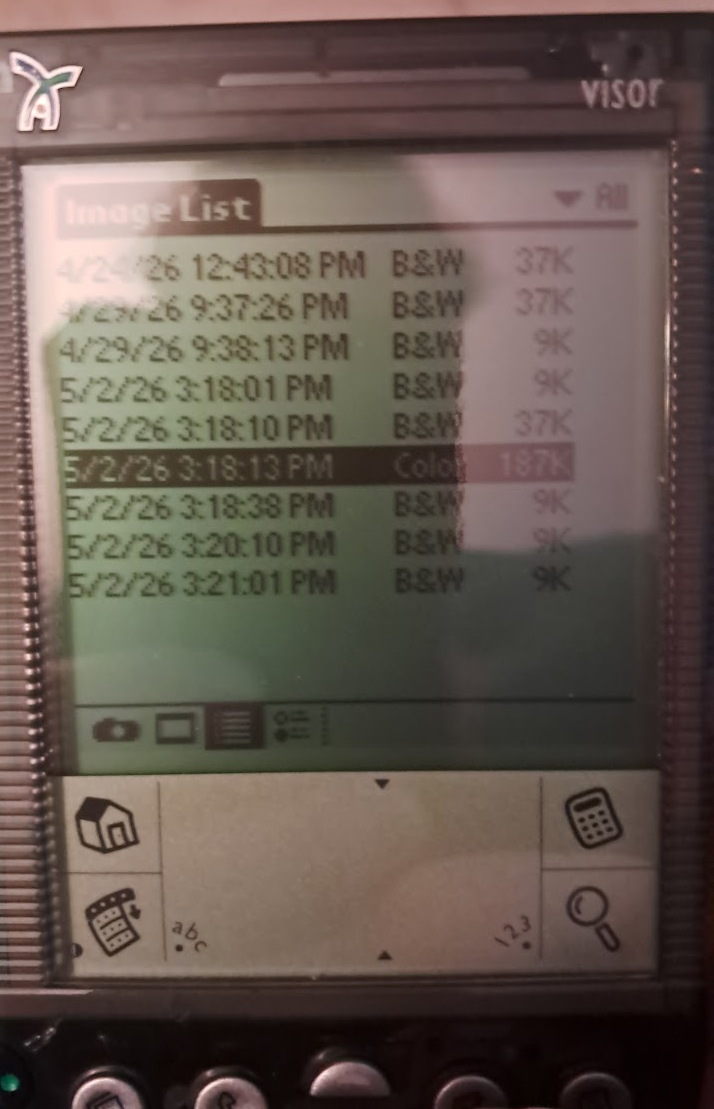
I need these off of here
Monochrome eyemodule photos are stored in a single large .pdb file. Color eyemodule photos are stored separately from even these. You can view and send photos to other eyemodule users. It's possible to install the eyemodule software on other Palm OS devices. However, when I tried to send eyemodule photos to my Palm Z22, it crashed immediately. Because these photos are stored as within a database file, they don’t show up in the Z22’s photo app either. The only solution is to convert them to .jpg and import them via HotSync.
At first, I didn’t know that I needed to opt-in to photo backup via HotSync. For those of you not in the know, HotSync is Palm OS’ main way of backing data up to a PC. You pop your device into a dock, press a button, and it’s done.
After HotSyncing, I noticed that the photo data wasn’t showing up in my Palm Desktop’s Backup Folder. So, I decided I’d send the .pdb to my Z22. So long as I don’t try to view the photos, I can store the database on that PDA just fine. I figured HotSyncing the Z22 would get the .pdb to show up. Well, it didn’t. At that point, I downloaded the eyemodule Windows software. After failing to install that regardless of compatibility mode, I began contemplating pulling a Windows XP box out of the closet. After realizing that it’s at the very bottom of a pile of iMac G3s, I decided not to, and almost gave up.
That's when I checked the eyemodule app settings and found the opt-in. So yeah, I’m an idiot. This is the first thing I should have looked at. Well, whatever, it is what it is. I transferred the relevant .pdb files to an internet connected computer and began to google around. Immediately, I found maple.pet’s eyemodule tool. The tool automatically resizes everything to 640x480 which is nice. Mavica, If you’re reading this, thank you so much for creating that tool. It's very well made and it saved the day. Please be sure to check out their site. It’s got some very cool stuff.
The Results
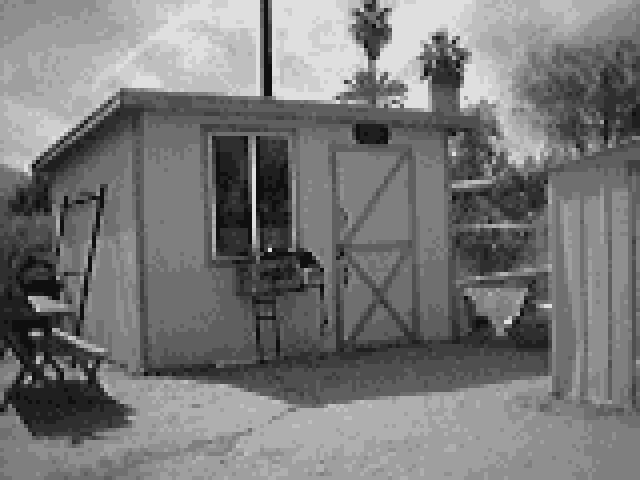
Low-Res Monochrome 4x integer scaled
First up we have a low resolution 160 x 120 monochrome photo. These are just a bit better than a photo taken with the Game Boy Camera. The Visor's features a 160x160 resolution display. As a result, these are the only photos the Visor can display at full resolution. Each one takes 9k of internal memory to store.
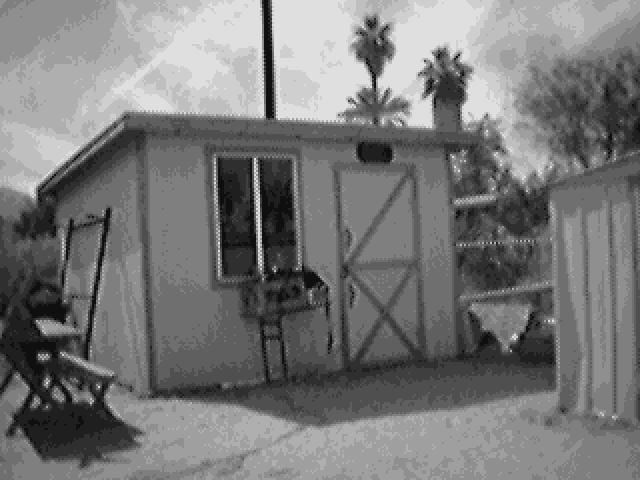
Hi-Res Monochrome 2x integer scaled
Here, we have a higher resolution 320 x 240 monochrome photo the difference is striking but again, you can't see it on the Visor itself. This setting is impractical but it does look good. Each one requires 37k of storage. Double the resolution for just over four times the memory.
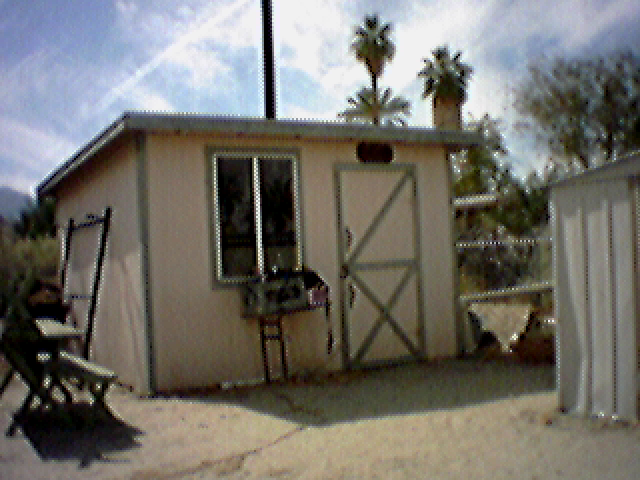
Hi-Res Color 2x integer scaled
While not especially great even for it's time, it's impressive that this was taken on a monochrome device. Each color photo uses 187k of memory. That's 20x the low-res monochrome and nearly five times the high resolution monochrome.
As unwieldy as the eyemodule is, I can't argue with these results. Handspring Visor doesn't even have a real speaker and yet it can do this with a small attachment. It's certainly impressive.
More photos because why not?
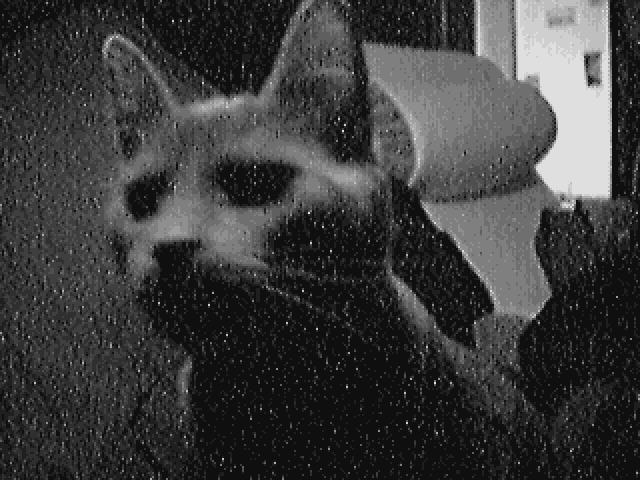
Hi-Res Monochrome
I took this in low light and these are the results. The cat in this photo is grey, and the low light and lack of contrast gives it an interesting aesthetic. I really like the old timey feel.
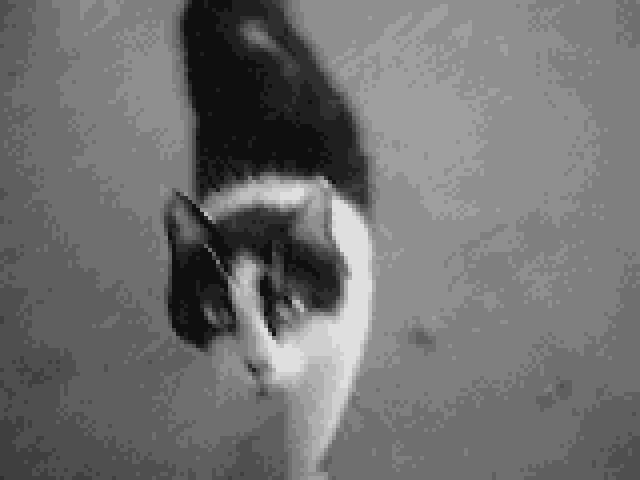
Low-Res Monochrome
This is the first picture I took with the eyemodule. I figured I'd use a black and white camera to take a picture of a black and white cat standing in grey cement. A color photo wouldn't look much different.
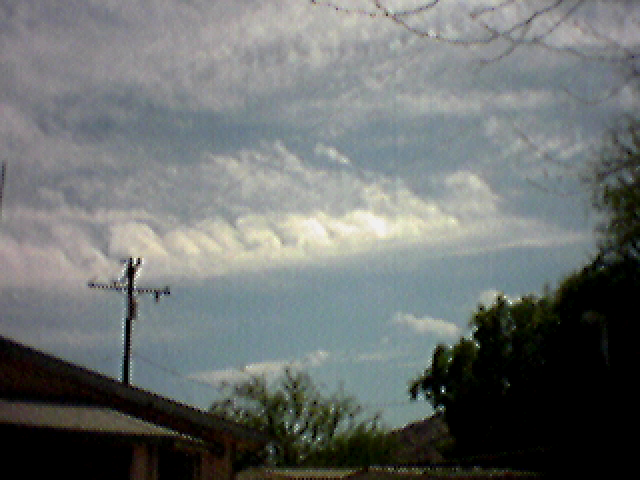
Hi-Res Color
I don't expect much from this thing and get schooled every single time. This genuinely looks good.
Conclusion
There are certainly problems with the eyemodule. The angle of the lens alone is enough to kill any kind of enjoyment I got out of using it. The battery drain issue and the fact that it blocks screen protectors also doesn't help. Still, it takes remarkably solid photos for a cartridge based camera add-on. The fact that it exists at all is a testament to technology once being a force for good. Something to serve people instead of corporations. I hope we can get back to that someday. I used my smartphone camera to take photos for this article. Each time, I needed to unlock my phone, wait for it to focus, then touch a symbol to take the picture. With the eyemodule, you just pop it in and it's ready. You point, you press a button, and it's done. If the lens were aligned more reasonably, this would be a better camera (from a usability standpoint) than any phone I've had in 15 years. Though, that's more a function of Handsprings brilliant hardware design. The Visor was made to function and only function. There was no telemetry, no distractions, no AI scam nonsense. It did what it was supposed to do and nothing else.