Exporting Your Photos
You've taken your photos, now you've gotta get them outta your camera! There are several ways to do this all all of which are fairly simple. None of these can be done without owning some kind of peripheral device.
Game Boy Printer
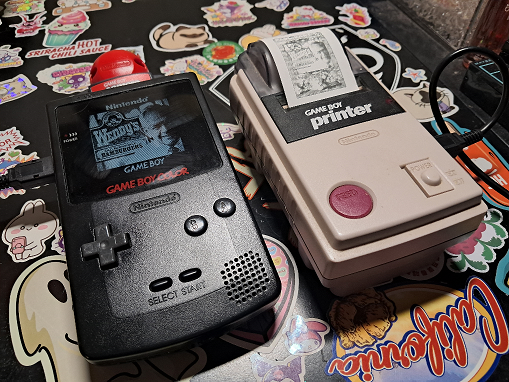
The first and most obvious method. The Game Boy Printer is a small battery operated thermal printer. They seem to be pretty reliable as long as you use compatible paper made this century. Don't try to use the paper this thing was originally sold with. The chemicals that react to the thermal printers heat aren't as reactive as they would have been in 1998.
The printouts will last several years if you use the paper I linked above. People also seem to really appreciate them. There's just something fun about photos you can print out immediately after taking them.
While printing with the Game Boy Printer, it’s important to know that you can set how dark the print is. You should definitely set it to be as dark as possible. Anything aside from “DARKEST” will look like crap.
GB Operator
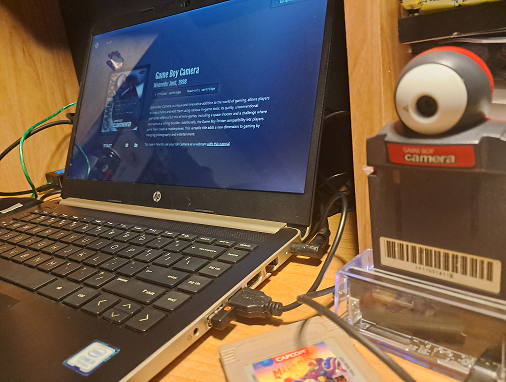
The GB Operator software knows when a Game Boy Camera is plugged in and will allow you to dump photos into a folder. These dumps DO NOT include your comments or borders. Simply plug the camera in, click DATA, then PHOTO GALLERY. You’ll be given the option to export your photos.
If you’d like to save digital versions of your photos with frames/comments, use the GB Operator to dump your game and save file under the “DATA” TAB into the same folder. This can be done with the “Backup Game” And “Back Up Save” file option. You can’t do this with the GB Operator’s emulation software. You must dump the ROM and save file.
MGBA Emulator
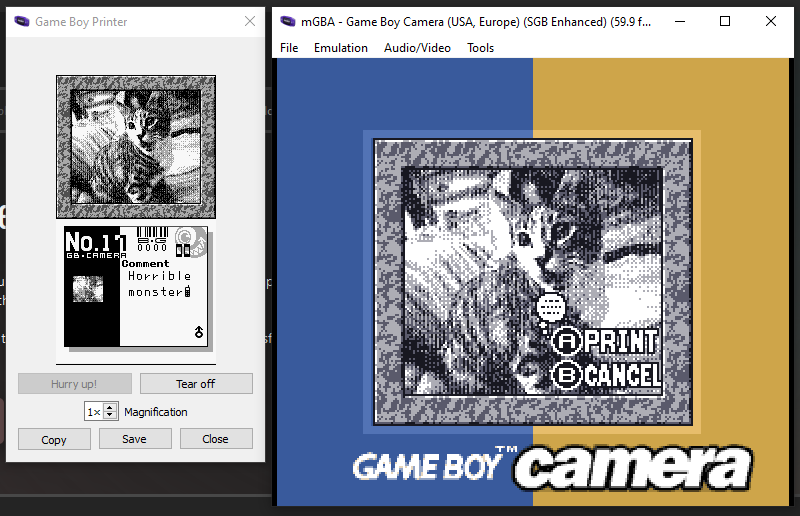
Open the ROM with MGBA and click “Emulation”. At the bottom of the list, you’ll see Game Boy Printer. Open that and print as you usually would. To print comments, press start on the print screen. You'll know it's ready to print comments when you see the thought bubble above "print".
Retro Spy Pixel Printer Emulator
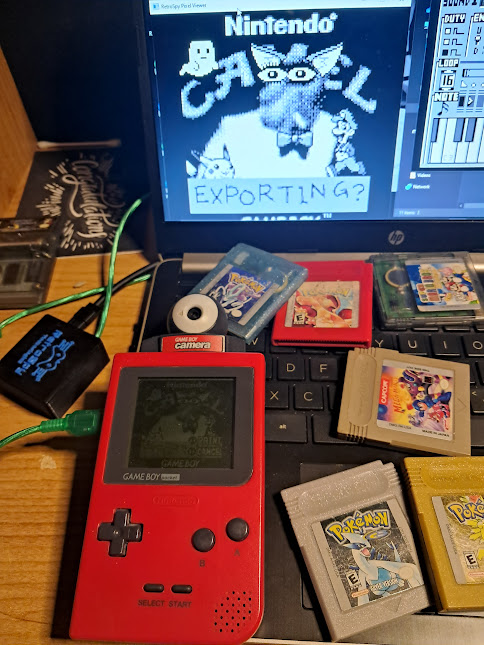
This device is a printer emulator that enables you to print directly to your computer. The included software has several size and palette options.